EscrowPK Workflow, Step 2: Creating a Deal
By the EscrowPK Team · 2026-07-29 · 4 min read
With a verified EscrowPK.com account in hand, the next step is creating the deal itself — the record that ties a buyer, a seller, an amount, and a delivery to one protected transaction. This is Step 2 in our ten-part walkthrough of the complete EscrowPK workflow.
How do you create a deal on EscrowPK.com?
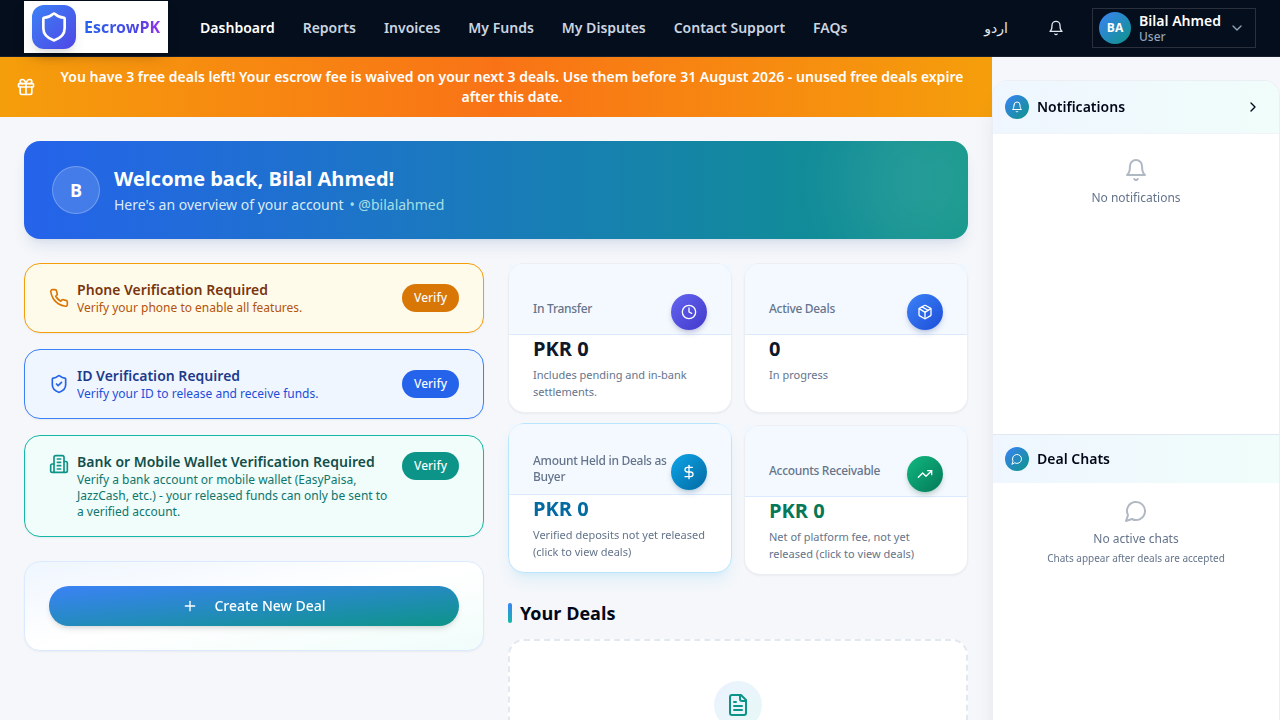
From your dashboard, choose whether you're the buyer, the seller, or a freight/shipping party, then enter the other person's EscrowPK username — or their email and phone number if they're new to the platform. Fill in the item or service, the agreed amount, and delivery details, and the deal is created.
Do I need the other person's username to start a deal?
It helps, but it isn't mandatory — EscrowPK also accepts an email address and phone number for a counterparty who hasn't registered yet, and looks up existing usernames instantly so you can confirm you've got the right person before sending the deal.
What happens immediately after I create a deal?
The counterparty is notified straight away by both email and SMS, with the deal terms laid out clearly so there's no ambiguity about what was agreed. Creating a deal is free — nothing is charged to either side until funds actually move into escrow.
Creating the deal doesn't commit either side yet — that happens in the next step, when the counterparty accepts or rejects it. Start a deal on EscrowPK.com to see the process for yourself.